
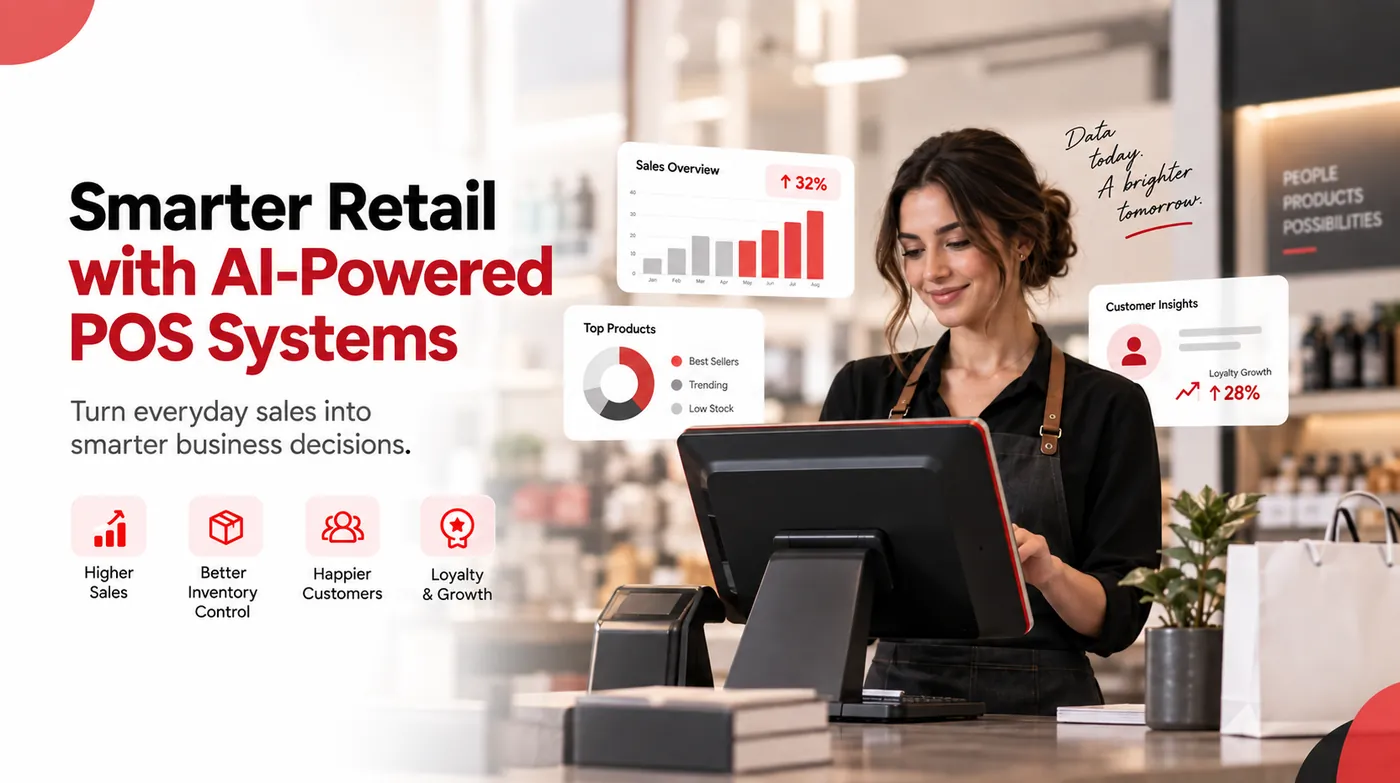
Retail shops need fast service and clear stock records. Shop owners also need to know what sells and when to buy more stock. A Point of Sale (POS) system records sales and prints receipts.
Artificial Intelligence (AI) can help owners learn from those records. It can show sales trends and bring useful data together. Owners can use this information to plan their next steps.
This guide explains how AI-powered POS systems can help with stock, sales, loyalty points, and daily work. It also explains why the owner still makes the final decision.
PopitCart brings POS tools and AI business insights together in its Hybrid AI Commerce System.
What is an AI-powered POS system?
An AI-powered POS system adds tools that study sales data to the usual billing tools. It can help you spot changes that are hard to see in a long list of receipts.
For example, a sales report tells you how many units you sold. AI insights can help show when an item sells best and how its sales change over time.
A POS system can bring these parts of a shop together:
- Sales, bills, and receipts
- Stock levels and purchases
- Customer records
- Loyalty points and rewards
- Product sales reports
- Discounts and offers
- Orders and returns
- Work across more than one device
With these records in one place, owners can check both daily sales and wider trends.
1. Use sales records to plan your next step
A basic POS records each sale. A POS with AI tools can also help you find patterns in those sales.
Suppose you sold 100 units of one item last month. The total alone does not show which days were busiest. Looking at the sales by day can help you plan stock and staff.
You can also compare that item with others. Check whether sales rose after an offer or fell during a quiet week. Use the results to guide your next purchase.
2. Get clear answers from your business data
Each sale adds useful facts to your records. These include the item, time, price, and number of units sold.
Collecting those facts is only the first step. You also need a clear way to read them. AI tools can help turn large sets of records into trends you can review.
Start with questions such as:
- Which items sell the most?
- What are our busiest hours?
- Which items have falling sales?
- Which items do customers buy together?
- When might an offer help?
- Has the way customers shop changed?
Check the answers against what you see in your shop. A trend is a useful clue when you decide what to do next.
3. Keep better control of stock
Too much stock ties up money. Too little stock can mean a missed sale. A POS and inventory system links sales to the stock you hold.
Inventory means the goods you have available to sell. Clear stock records help you see what to buy and what can wait.
Review these details before placing a new order:
- Items that sell fast or slowly
- Units left in stock
- Sizes, colours, and other product options
- Units used to buy and sell an item
- Past purchases from suppliers
- Changes in sales over time
- Items running low
PopitCart connects POS sales with stock management. This helps you review sales and stock together as you plan what to buy.
4. Learn what customers buy
Customer purchase records can show which items people return to buy. They can also show which products often appear in the same order.
Useful patterns include:
- Items bought often
- Repeat purchases
- Items bought together
- How often customers return
- Use of loyalty rewards
- Products customers prefer
Use these patterns to plan relevant offers. Check how customers respond before making the same offer again.
5. Reward returning customers
Loyalty programs give customers a reason to return. A POS can keep track of points earned and used with each sale.
With PopitCart's loyalty tools, you can set the rules for earning points. For example, a shop could use this rule:
Rs. 100 spent = 1 loyalty point
You can also set how points turn into discounts. These are rules chosen by the business. Explain them clearly so customers know how to earn and use their rewards.
6. Plan offers using sales trends
Different items may need different offers. A fast seller may need more stock. An item with falling sales may need a closer look.
Before choosing an offer, review:
- Items with falling sales
- Items that sell well at certain times
- Items bought together
- Changes in customer purchases
- Busy sales periods
AI insights can help you find these patterns. Use them to choose an offer that fits the item and the people who buy it.
7. Make checkout easier for staff
Clear POS screens also matter. Staff need to find items, take payments, and print receipts without too many steps.
A modern POS can help with:
- Finding products
- Scanning barcodes
- Changing quantities
- Taking payments
- Printing receipts
- Handling returns and credit notes
- Choosing the customer for a sale
For supported items sold by the piece, a barcode scan can add the item straight to an order. Staff do not need to open another product window.
Fewer steps can help the team serve customers during busy periods.
8. Keep working when the internet drops
A shop cannot always rely on a steady internet connection. A hybrid POS combines online tools with support for essential work offline.
PopitCart connects web, desktop, and mobile POS tools. Its offline billing helps staff continue essential sales work when the connection drops.
When the connection returns, data can sync again. This gives the team more ways to keep working.
9. Turn reports into practical next steps
A long report takes time to read. An AI dashboard can bring key trends together so they are easier to review.
Follow the link between your sales and the choices you make:
Sales → Products → Customers → Trends → Next steps
PopitCart's AI dashboard is designed to show sales trends, busy periods, and ideas for bundles or discounts. Review those ideas using your own costs and shop experience.
10. Manage the work as your business grows
Growth brings more items, orders, staff, and branches to manage. A connected POS helps keep those records together.
Staff access rules let you choose who can use each tool. Stock records, customer records, and reports help owners follow daily work.
POS tools across several devices can also support a growing team. Check which tools fit your workflow as your needs change.
11. Spend less time on repeated tasks
A modern POS can reduce work that staff would otherwise repeat by hand. Examples include:
- Adding items with a barcode scan
- Creating receipts
- Working out loyalty points
- Updating stock after sales
- Sending customer notices
- Creating sales reports
- Updating order status
- Syncing data between devices
This can leave staff more time to serve customers and check work that needs their attention.
12. Keep the owner in control
AI helps you review data. You still decide what is right for your business.
Each shop has its own customers, costs, and local conditions. AI can point out a trend, but it cannot know every reason behind it.
Before acting on an idea, check it against your goals and experience. Use the data to support your judgment.
Bring your retail tools together
Sales, stock, customer records, and staff work are closely linked. Keeping these records in one system can make daily checks easier.
An AI-powered POS adds another way to learn from those records. The value comes from clear information that helps you choose your next step.
How PopitCart helps retail businesses
PopitCart combines billing with tools for stock, customers, and business insights. Its main areas include:
✓ AI business insights
Review sales trends and look for chances to improve your shop.
✓Smart POS
Handle sales, payments, barcodes, returns, and receipts.
✓ Inventory management
Track goods, product options, units, purchases, and stock changes.
✓Customer and loyalty tools
Keep customer records and reward repeat purchases.
✓Web, desktop, and mobile tools
Use POS tools across different devices.
✓Offline billing
Continue essential sales work when the internet is unavailable.
✓ Tools for different businesses
Support daily operations across retail shops with our Retail POS System, restaurants and cafes with Restaurant POS Software, and salons with Salon & Spa POS.
Ready to power your shop with smart POS technology?
See PopitCart in action. Explore our Retail POS Software, streamline stock with our Inventory Management System, or check our plug-and-play POS Hardware Bundles. Contact our team or call 011 268 7645 for a free consultation.